
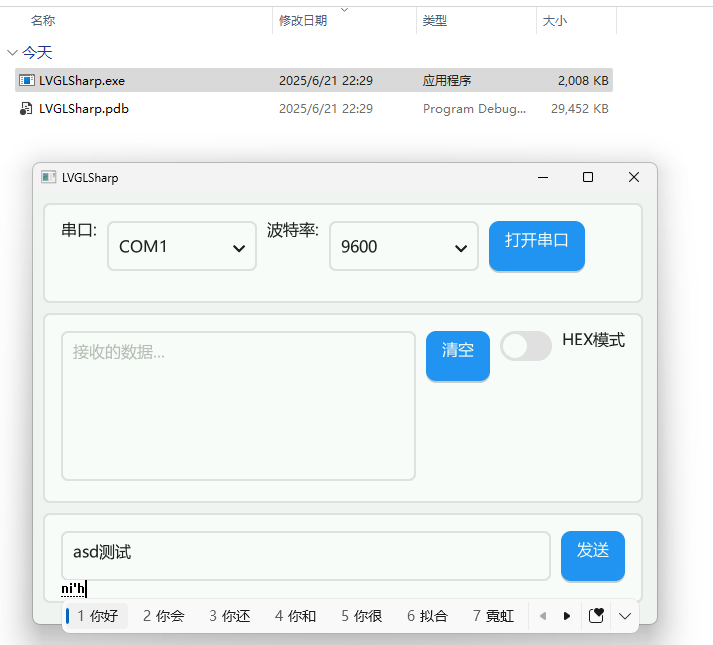
Desktop
Desktop Preview A
A compact screenshot for showing layout direction, control style, and the overall UI structure.
Screenshots
If you want a quick look at the LVGLSharp UI we already have running, start here. As we capture more demos, runtime hosts, and UI states, we will keep adding them to this page.
Use this area for representative runtime, host, and UI screenshots. Click an image to open the original file.
A compact screenshot for showing layout direction, control style, and the overall UI structure.
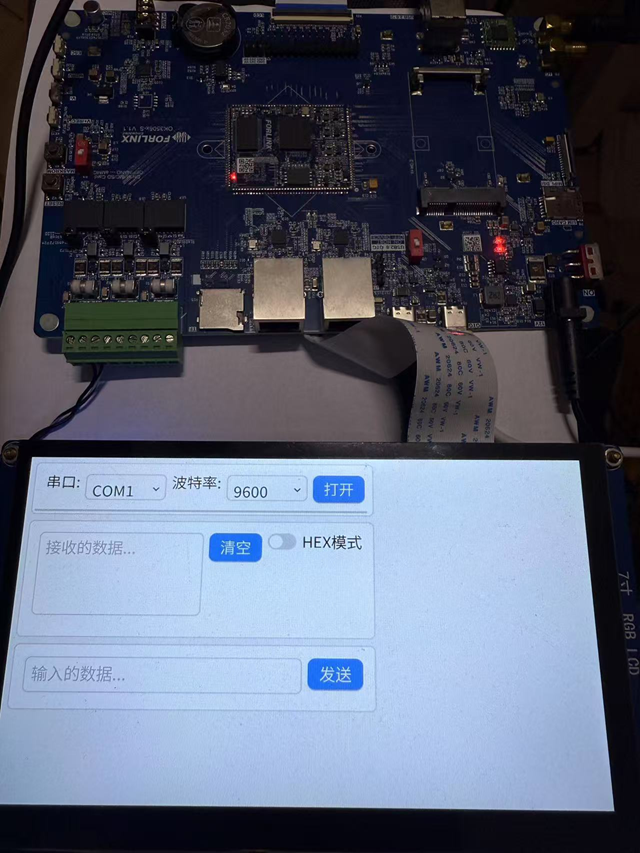
A fuller desktop capture that shows denser content, control composition, and the current demo surface.
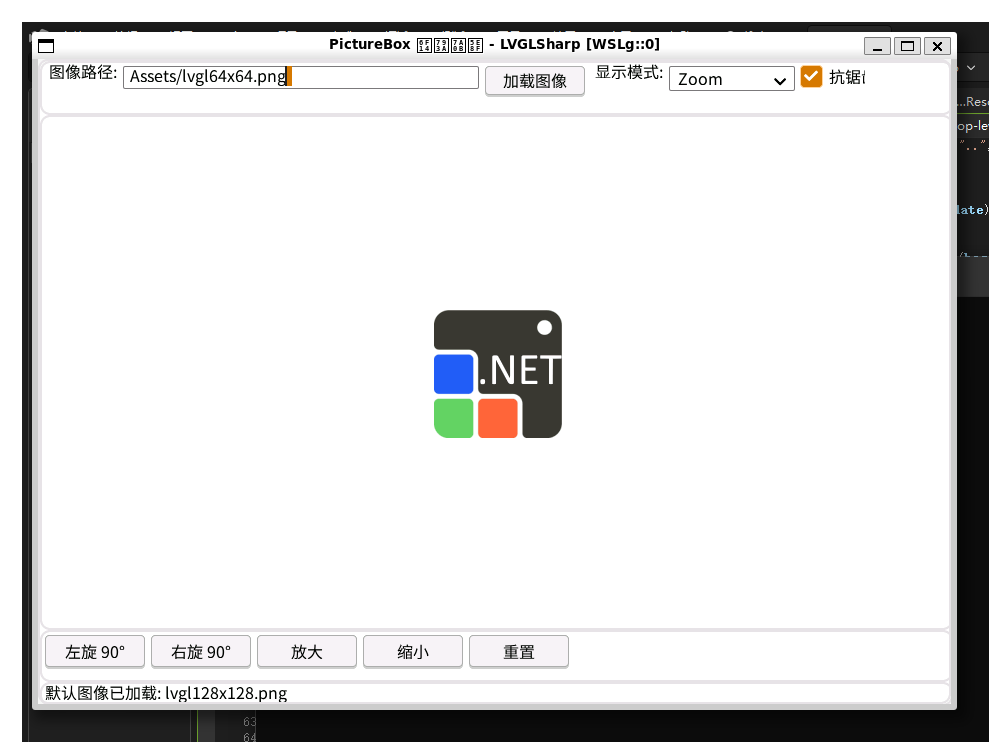
Tracks Linux-host rendering and embedded-font validation in a real WSLg / Wayland scenario.
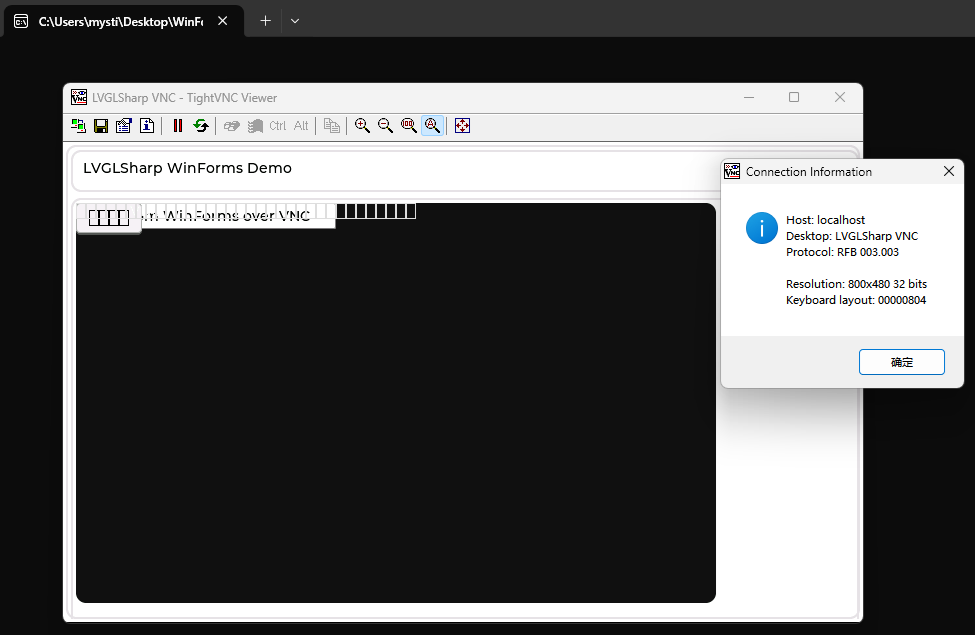
A Windows-side validation capture for WinFormsVncDemo, showing the demo surface being exposed through VncView and opened from a desktop VNC viewer.
If you want to read the X11 Demo Bring-up Notes side by side with the actual results, these are the matching screenshots.
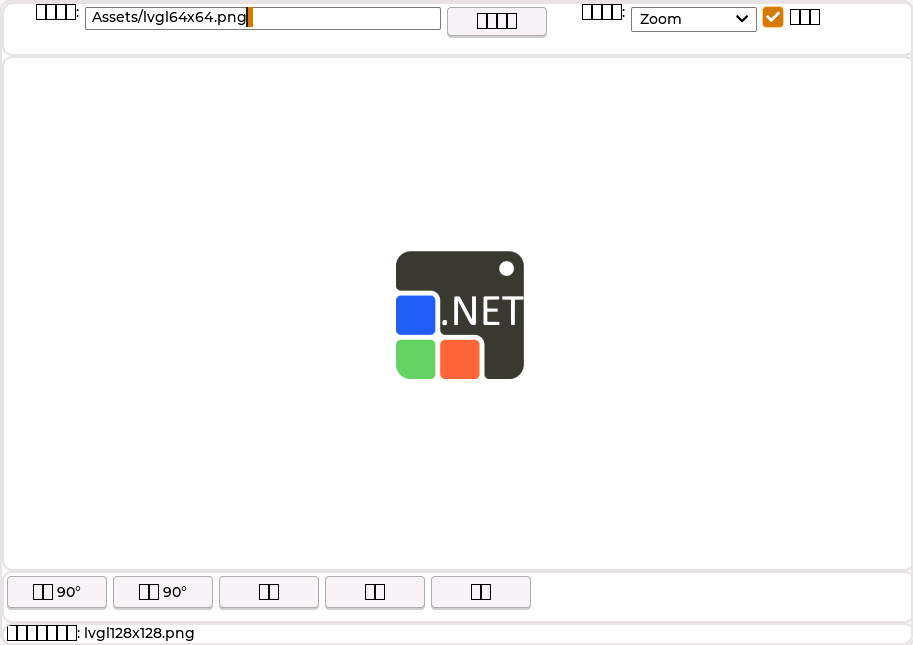
We can now launch PictureBoxDemo on X11 and keep a reusable screenshot asset for it. The current stable capture uses the built-in font fallback path, so CJK labels still need a later recovery pass.
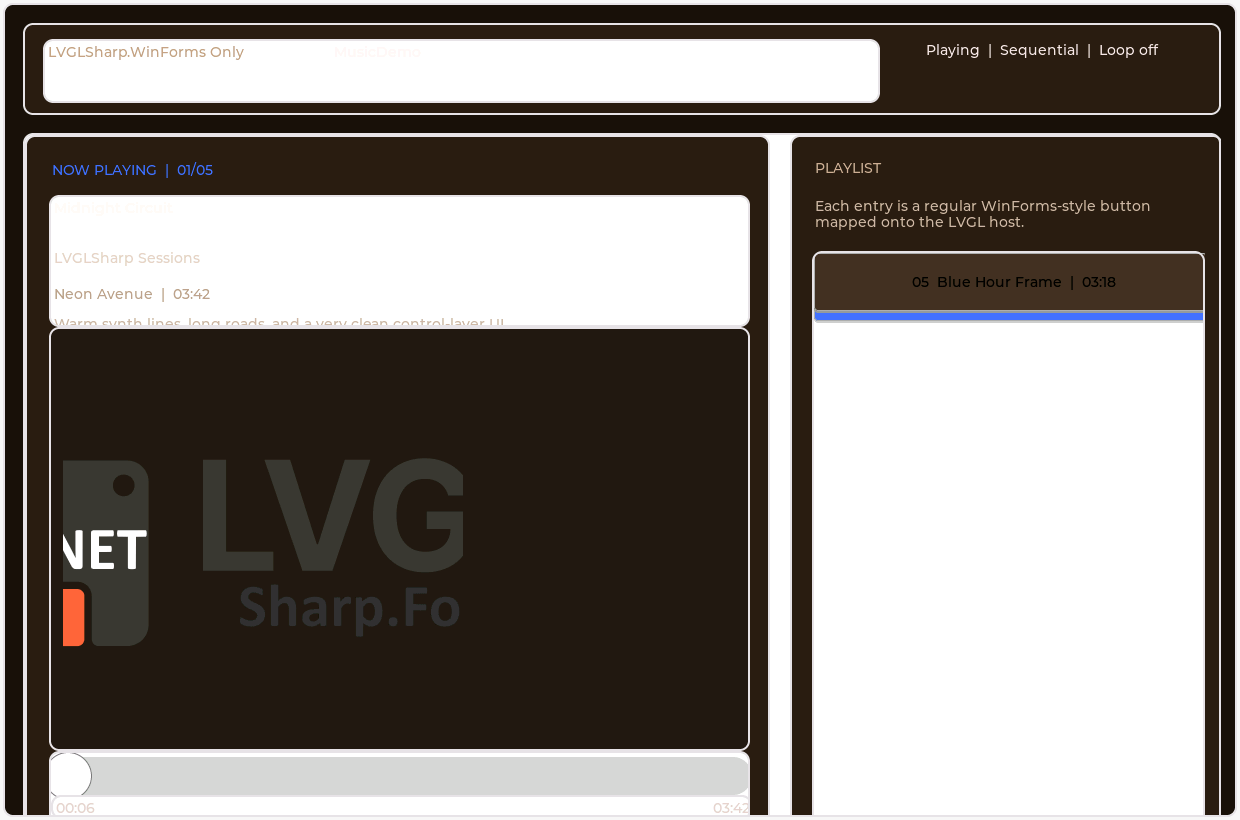
After fixing default font installation and the glyph bitmap callback contract, we can now open MusicDemo stably on X11 and capture it.
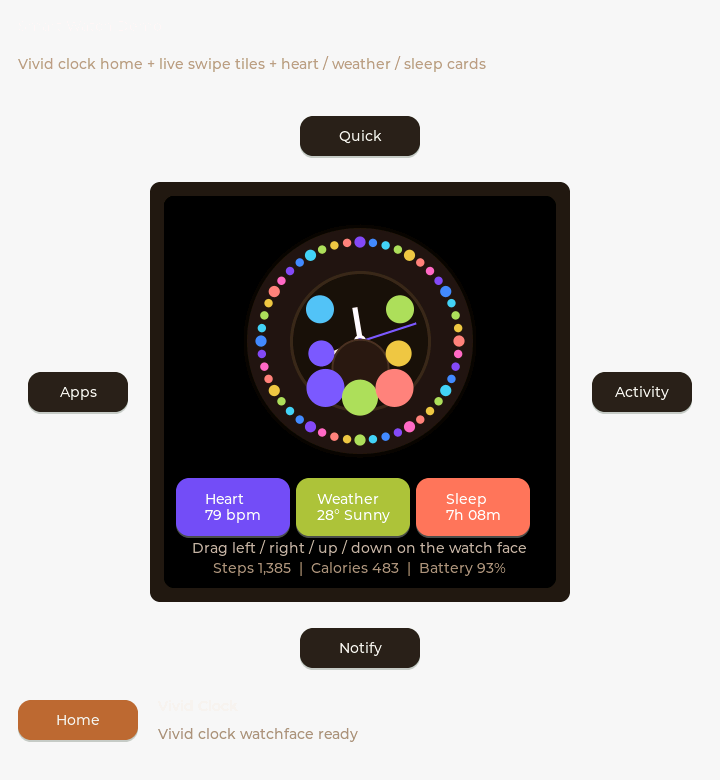
We also now have a working X11 first-screen capture path for SmartWatchDemo, and it has become the representative multi-page UI case from this round.
As we keep extending the gallery, these are the most useful directions to add next.
Add key views from MusicDemo, SmartWatchDemo, PictureBoxDemo, WinFormsDemo, and future samples.
Capture the same UI across Windows, WSLg, X11, Wayland, FrameBuffer, and Offscreen environments.
Use side-by-side progress shots if you want to show rendering improvements, theme updates, and control refinements more clearly.
If you add more screenshots later, keep them simple and consistent with this structure.